
Find your fit

What would you like to protect?

Our solutions complement one another. Choose the areas you want to protect.

WHICH SOLUTION FITS YOUR NEEDS?

Your protection at a glance.

See what each solution protects and where it helps in everyday use.

Products and use cases
ProductWhat it protectsAn everyday example
DriveCryptExplore product →Private files & drives

Encrypt containers, data partitions, external drives and USB sticks separately. Open only the data areas you need.

For example

Keep photos and financial files locked while others use the family computer.

DriveCrypt Plus PackExplore product →The entire Windows system

Encrypt the operating system and system drive. Authentication before Windows starts protects a powered-off computer from unauthorised data access.

For example

Carry your notebook with protection for its stored system data if it is lost.

DriveCrypt Plus Pack EnterpriseExplore product →Manage system protection centrally

System encryption for multiple Windows computers with central management, policies and recovery functions.

For example

IT manages encryption status and access policies across multiple workstations.

ShareCryptExplore product →Share files securely

Encrypt shared network folders and define who may read or edit their contents.

For example

A team works on confidential documents with appropriate access permissions.

SurfSolo VPNExplore product →Internet traffic & visible IP

Route internet traffic through an encrypted VPN tunnel. Services see the VPN server’s public IP; its location can change the location those services detect.

For example

Browse more privately and hide your connection’s IP from destination services. Add DriveCrypt to protect local files.

PhoneCrypt ProfessionalExplore product →Protected mobile communication

Protect voice, chat and data communication over the internet between compatible participants.

For example

Use the PhoneCrypt environment for confidential calls and messages.

PhoneCrypt UniversalExplore product →Calls through PhoneCrypt

Use an encrypted connection to the PhoneCrypt infrastructure and include regular telephone connections in your telephony setup.

For example

Combine an existing telephone connection with a suitable PhoneCrypt communications setup.

PhoneCrypt GatewayExplore product →Existing IP-capable PBX

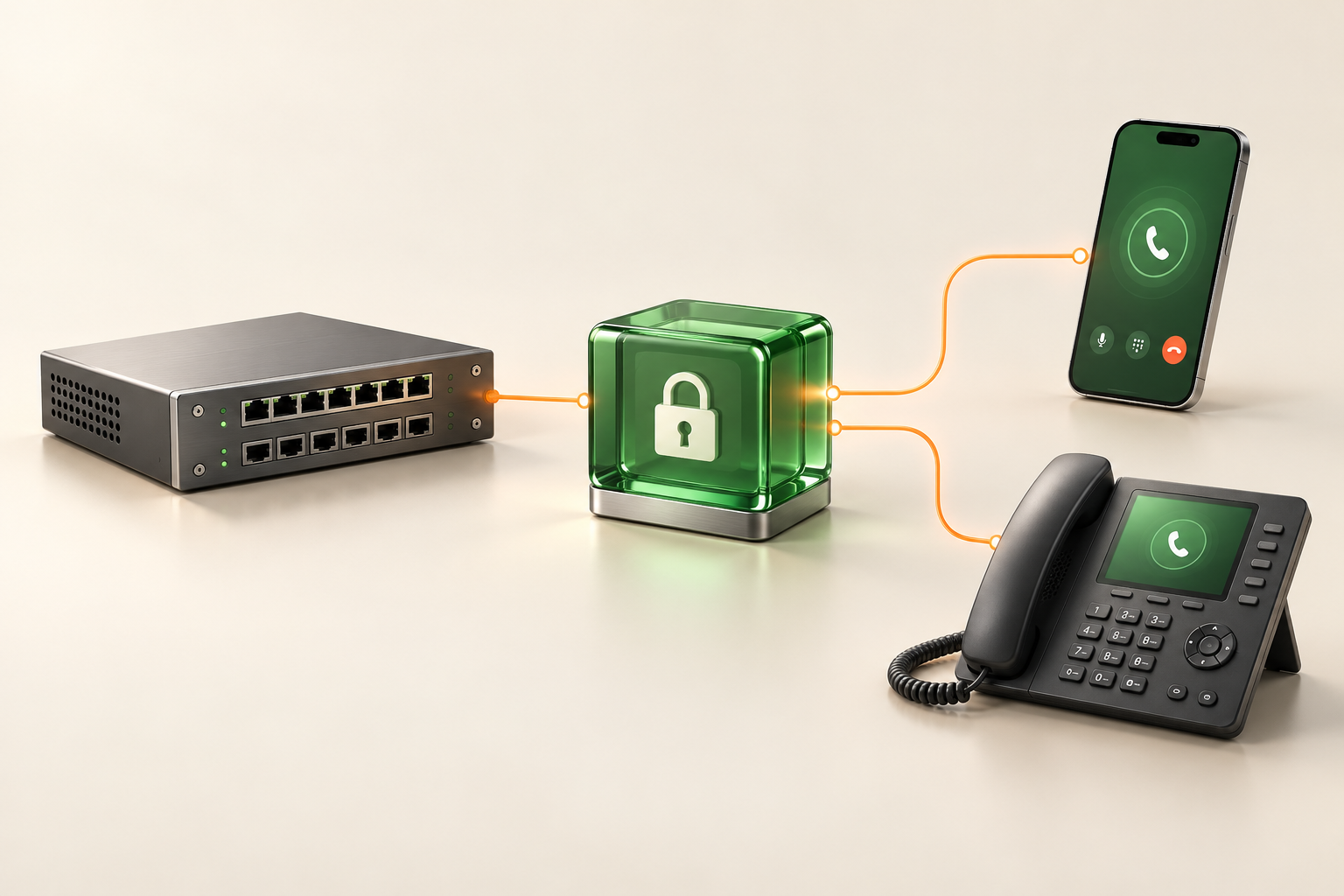
Connect PhoneCrypt Professional and Universal to an existing IP-capable PBX through a gateway.

For example

Integrate the company’s existing PBX into the PhoneCrypt environment.

FYNTRA KeyExplore product →Organise keys compactly

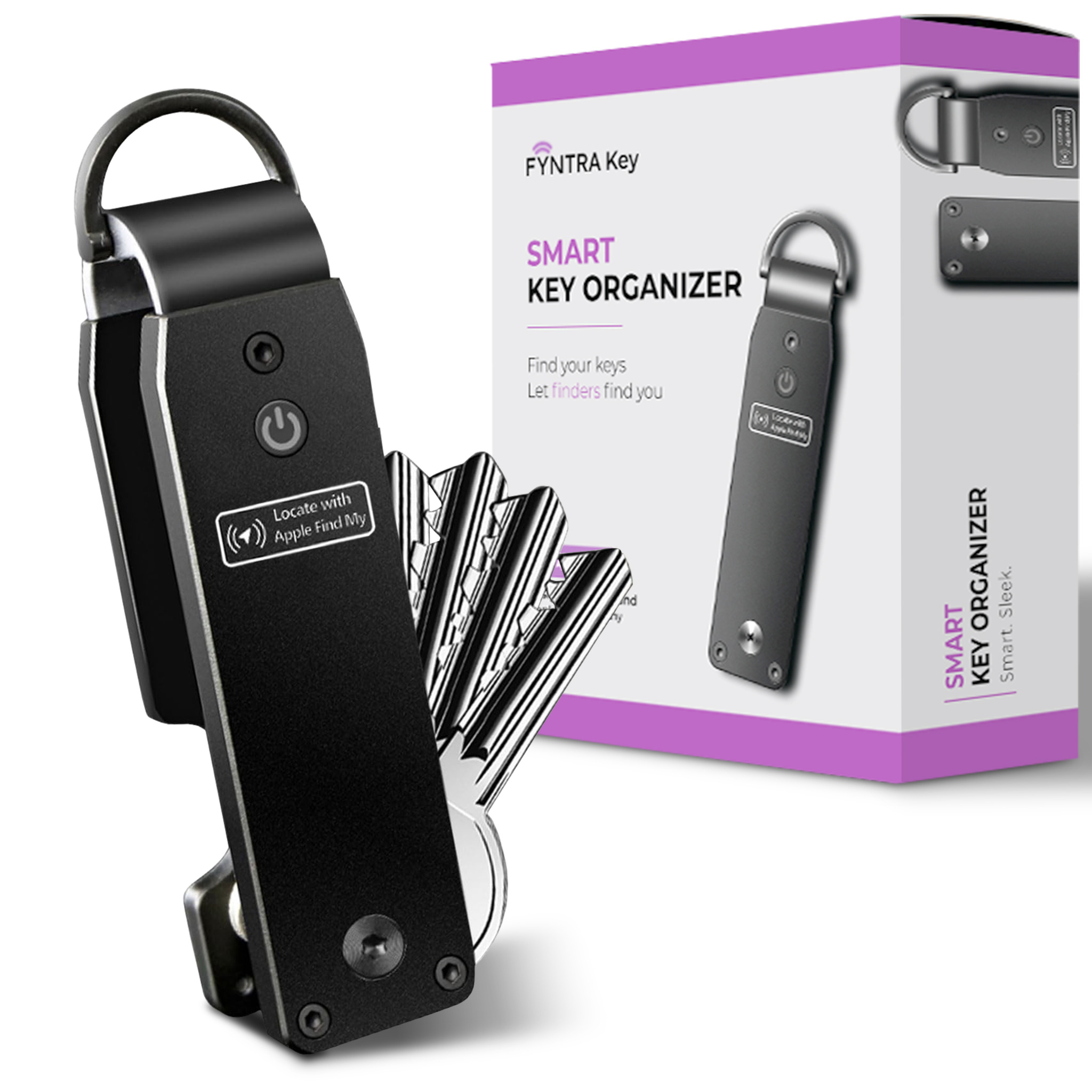
Carry keys neatly and locate them with Apple Find My. Finder reporting is available using the serial number.

For example

Locate everyday keys and keep them neatly organised.

FYNTRA WalletExplore product →Organise and shield cards

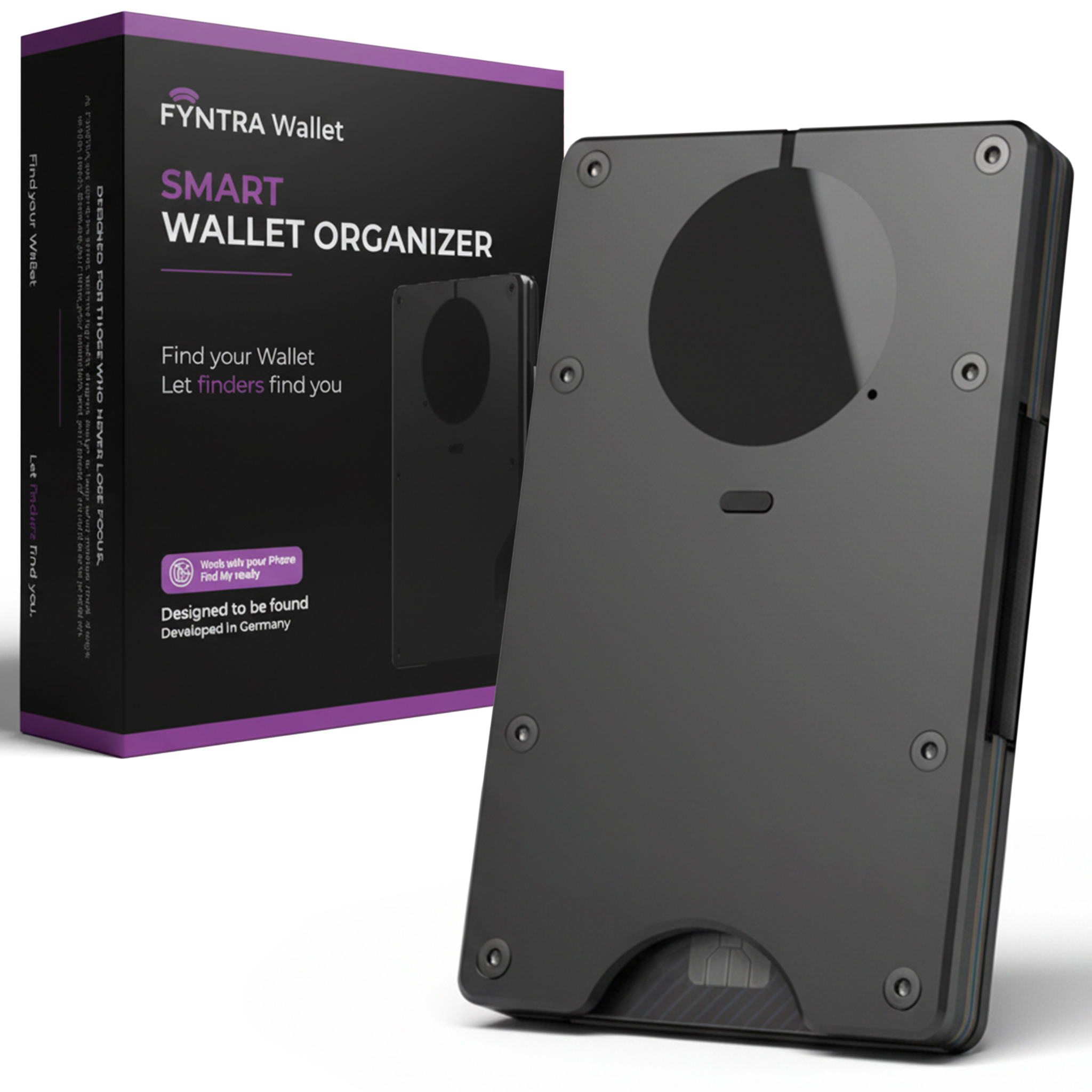
Store cards compactly with RFID shielding and Apple Find My to help locate the wallet.

For example

Carry cards neatly and locate a misplaced wallet.

DRIVECRYPT PLUS PACK + DRIVECRYPT

One computer. Two layers of protection.

Protect the entire computer first. Then decide which data to open during everyday use.

Your computer deserves strong protection. Your personal files deserve their own key, at home, at work and on the move.

Explore the combination →
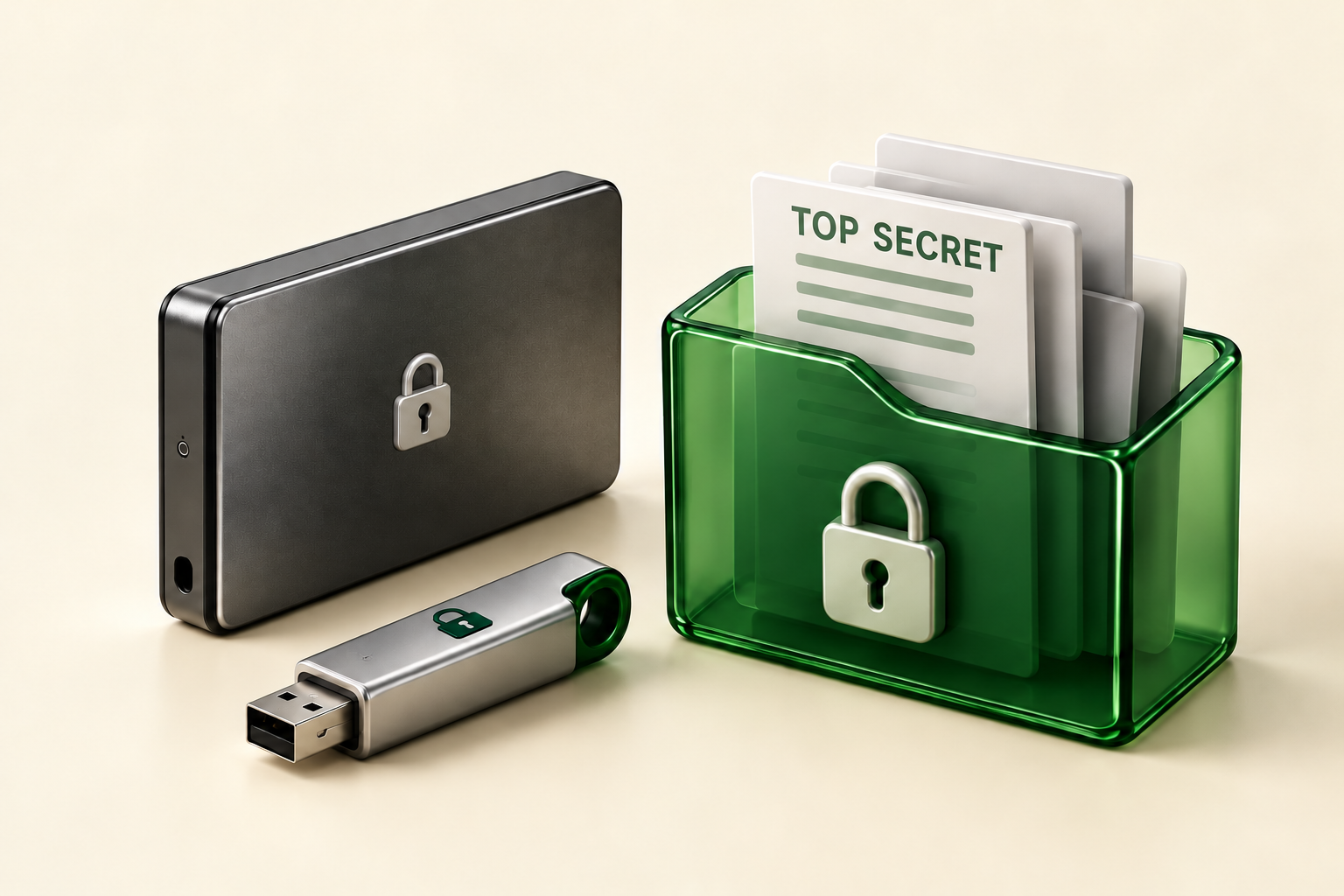
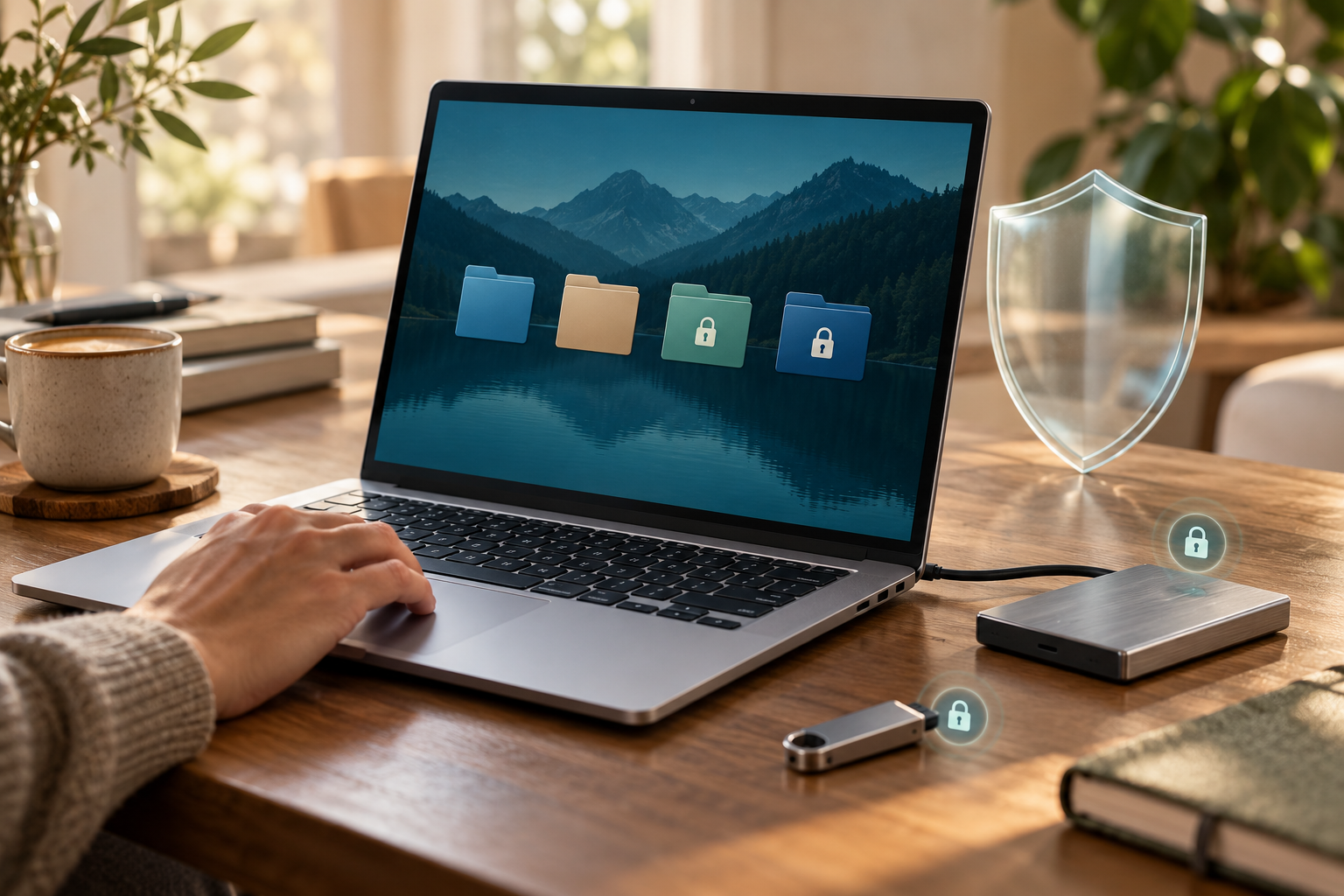
Illustrative scene with a notebook, private data areas, an external drive and a USB stick
DriveCrypt Plus Pack+ DriveCrypt
Illustrative everyday scene: a family sharing a notebook
AT HOME

Share your computer.
Keep private files to yourself.

Windows is unlocked and your family wants to use the computer. Your finances and private photos stay encrypted in closed DriveCrypt areas. Open only what you need at that moment.
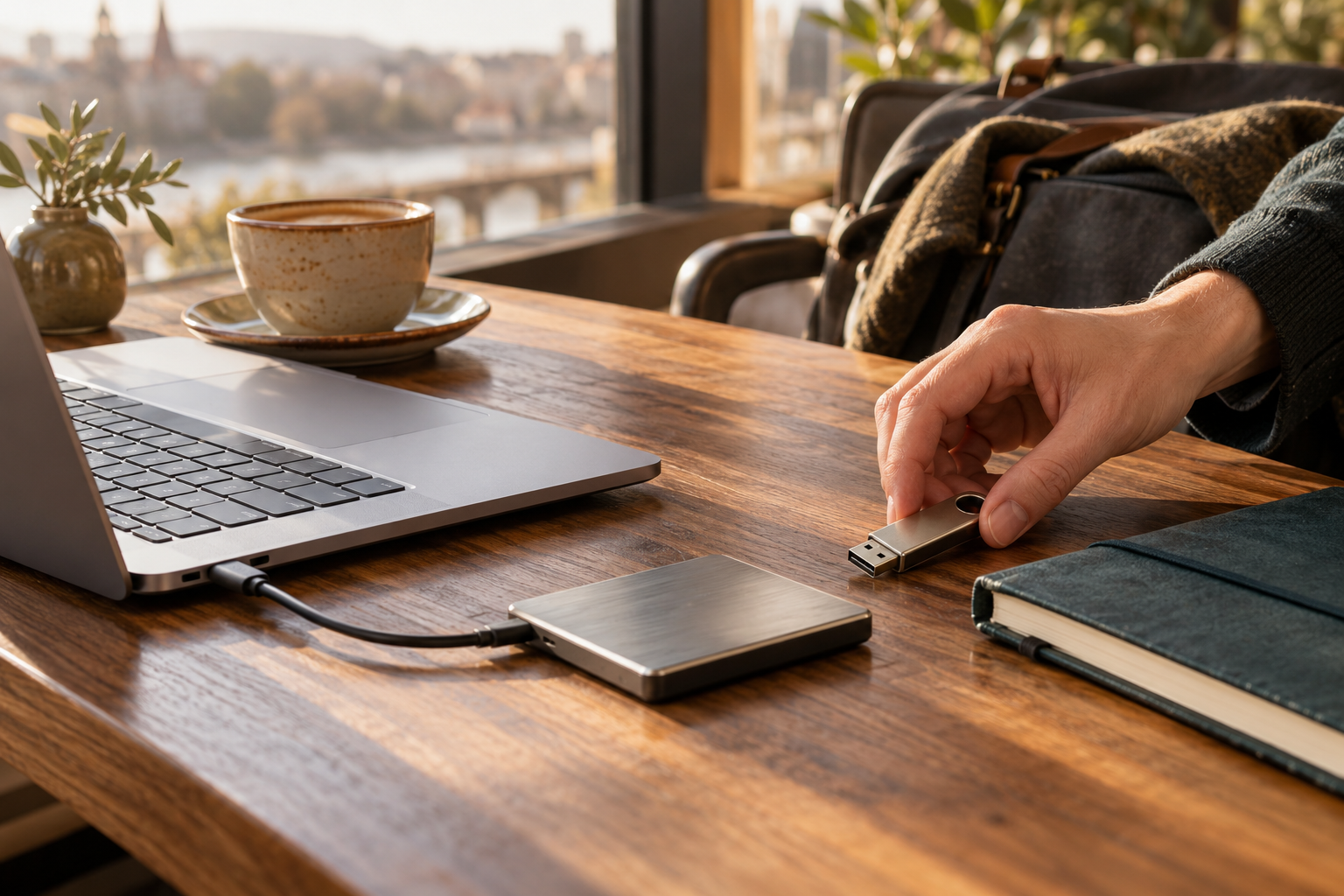
Illustrative scene: working on the move with an external drive and USB stick
ON THE MOVE

Take your files with you.
Bring their protection too.

Plus Pack protects your notebook’s system drive. With DriveCrypt, carry documents on encrypted USB sticks or external drives, then close those data areas again after use.

How the two layers work together
DRIVECRYPT PLUS PACK

The entire Windows computer

Encrypts the operating system and system drive. Authentication happens before Windows starts, protecting against access after loss, theft or removal of the drive.

Protection before startup
+DriveCrypt

Additional areas you can lock separately

Private areas

Keep photos, finances and documents in separately lockable containers or encrypted partitions.

External drives

Use DriveCrypt to encrypt data on additional and external drives.

USB sticks

Carry confidential data encrypted and open it only when needed.

FROM OUR REFERENCE PORTFOLIO
CitibankBanking
PwCPricewaterhouseCoopers
New Scotland YardEngland
MotorolaCommunications technology
Explore all references →

Need a hand?

Tell us about your devices and what you want to protect. We will help you choose.

MORE PRIVACY. A LITTLE EXTRA.

Stay informed.
€10 towards your protection.

News and offers from SecurStar.

Direct newsletter signup is still being connected. In the meantime, you can send a newsletter or voucher enquiry through our contact form.

Send a newsletter enquiry ↗

This is a personal enquiry. Opening the form does not subscribe you or automatically issue a voucher.

€10 voucher on orders of €40 or more. Redeemable once, valid for four weeks.

SECURSTAR

Search the website

Find products, features, help and company information.

Search all available languages. English results are prioritised.

Enter a search term.